Using Wing with Cygwin

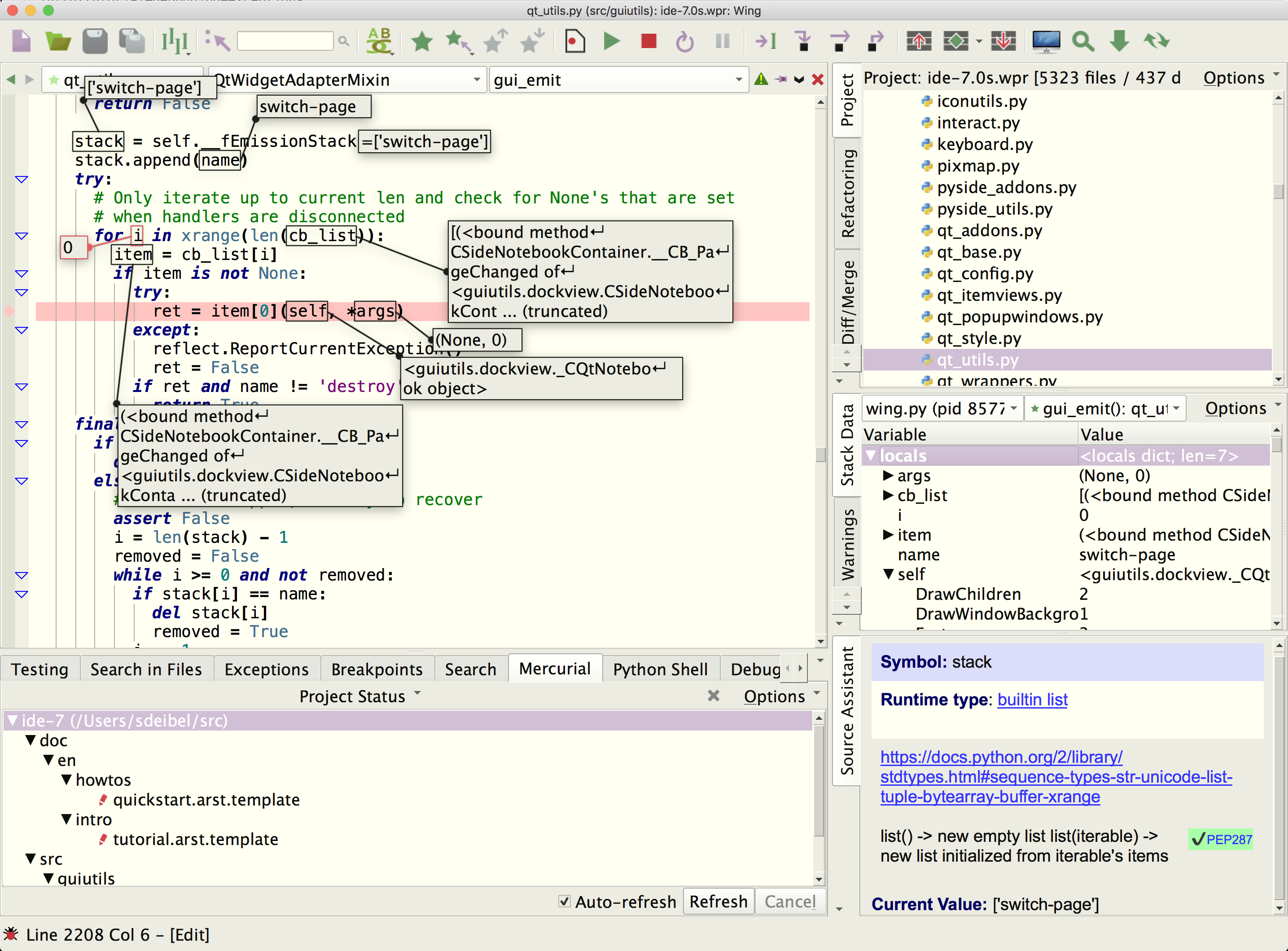
Wing Pro is a Python IDE that can be used to develop, test, and debug Python code written for cygwin, a Linux/Unix like environment for Microsoft Windows.
If you do not already have Wing Pro installed, download it now.
This document describes how to configure Wing for Cygwin. To get started using Wing as your Python IDE, please refer to the tutorial in Wing's Help menu or read the Quickstart Guide.
Note: This document was last tested with cygwin 3.6.
Project Configuration
To write and debug code running under cygwin, download and install Wing for Windows on your machine. Wing does not run on cygwin but you can set up Wing for Windows to work with Python code that is running under cygwin.
This is done by creating a project with New Project in the Project menu, selecting Create Blank Project, pressing Create Project, and then adding the Windows-side copies of your source files to the project with Add Existing Directory in the Project menu.
Debugger Configuration
To debug code running on cygwin, follow the instructions for Debugging Externally Launched Code. In this model, you will always launch your Python code from cygwin and not from Wing's menus or toolbar.
When setting this up, use cygwin paths for WINGHOME in wingdbstub.py because this file will be used on the cygwin side.
File Paths
It is often easiest to configure cygwin pathnames to be equivalent to the Windows pathnames. An example would be to set up /src in cygwin to point to the same directory as \src on Windows, which is src at top level of the main drive, usually c:\src.
If this is not possible, you should be sure to add all the sources you need to work with to your project in Wing. This way, Wing can automatically find all your files and use a hash on the contents of the file to identify which Windows-side files are the same as the cygwin files. See File Location Maps for details.
Related Documents
For more information see:
- Cygwin home page, which provides links to documentation.
- Quickstart Guide contains additional basic information about getting started with Wing.
- Tutorial provides a gentler introduction to Wing's features.
- Wing Reference Manual documents Wing in detail.