Using Wing with mod_wsgi

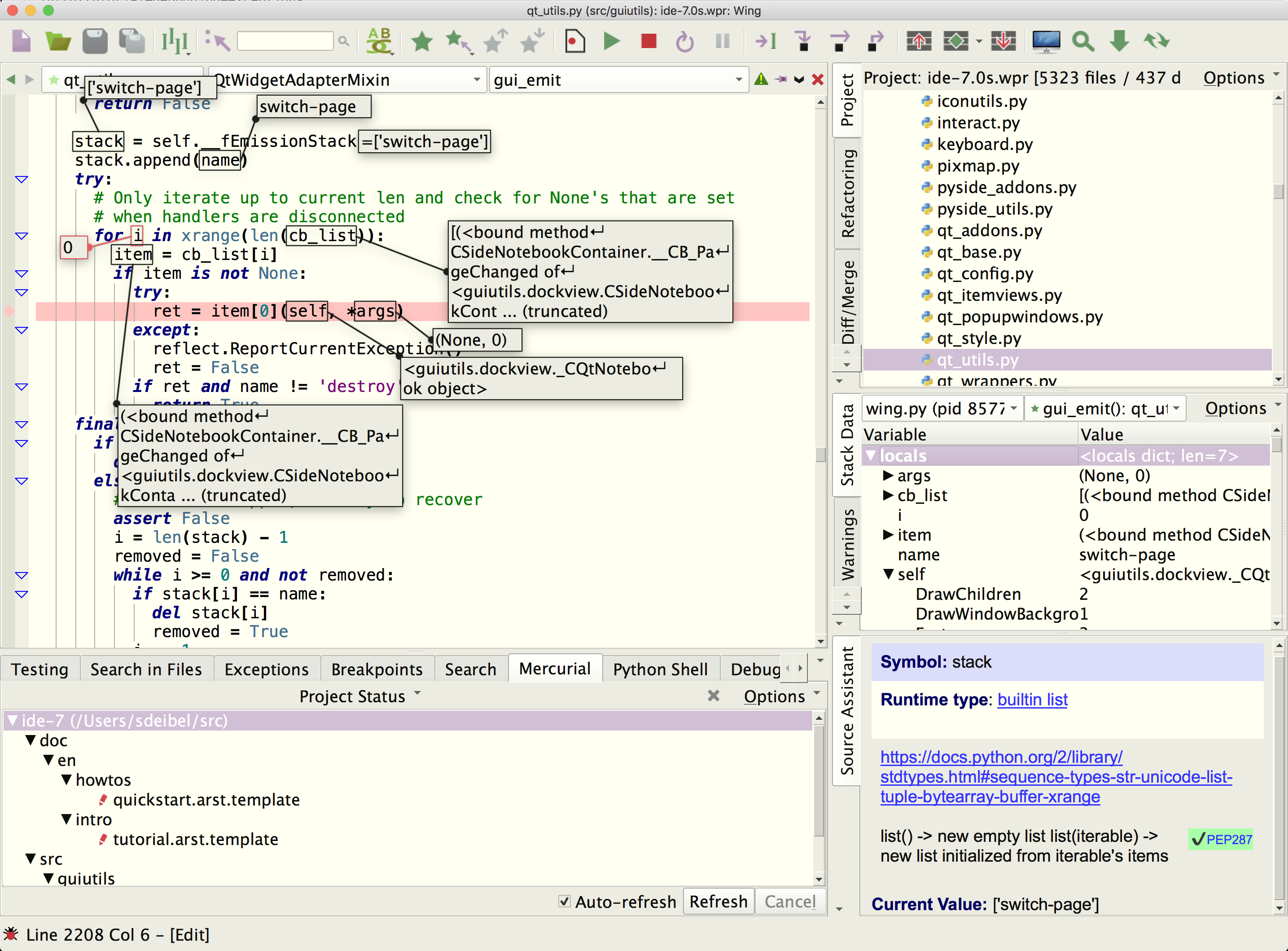
Wing Pro is a Python IDE that can be used to develop, test, and debug Python code that is running under mod_wsgi.
If you do not already have Wing Pro installed, download it now.
This document describes how to configure Wing for mod_wsgi. To get started using Wing as your Python IDE, please refer to the tutorial in Wing's Help menu or read the Quickstart Guide.
Debugging Setup
When debugging Python code running under mod_wsgi, the debug process is initiated from outside of Wing, and must connect to the IDE. This is done with wingdbstub according to the instructions in Debugging Externally Launched Code.
Because of how mod_wsqi sets up the interpreter, be sure to set kEmbedded=1 in your copy of wingdbstub.py and use the debugger API to reset the debugger and connection as follows:
import wingdbstub
wingdbstub.Ensure()
Then click on the bug icon in lower left of Wing's window and make sure that Accept Debug Connections is checked. After that, you should be able to reach breakpoints by loading pages in your browser.
Disabling stdin/stdout Restrictions
In order to debug, may also need to disable the WSGI restrictions on stdin/stdout with the following mod_wsgi configuration directives:
WSGIRestrictStdin Off
WSGIRestrictStdout Off
Remote Development
Wing Pro can work with mod_wsgi code that is running on a remote host, VM, or container. To do this, you need to be able to connect to the remote system with SSH. Then you can create your project in the same way as above, using the Connect to Remote Host via SSH project type. See Remote Hosts for more information on remote development with Wing Pro.
Related Documents
For more information see:
- mod_wsgi website for downloads and documentation.
- Quickstart Guide contains additional basic information about getting started with Wing.
- Tutorial provides a gentler introduction to Wing's features.
- Wing Reference Manual documents Wing in detail.