Using Wing with Plone

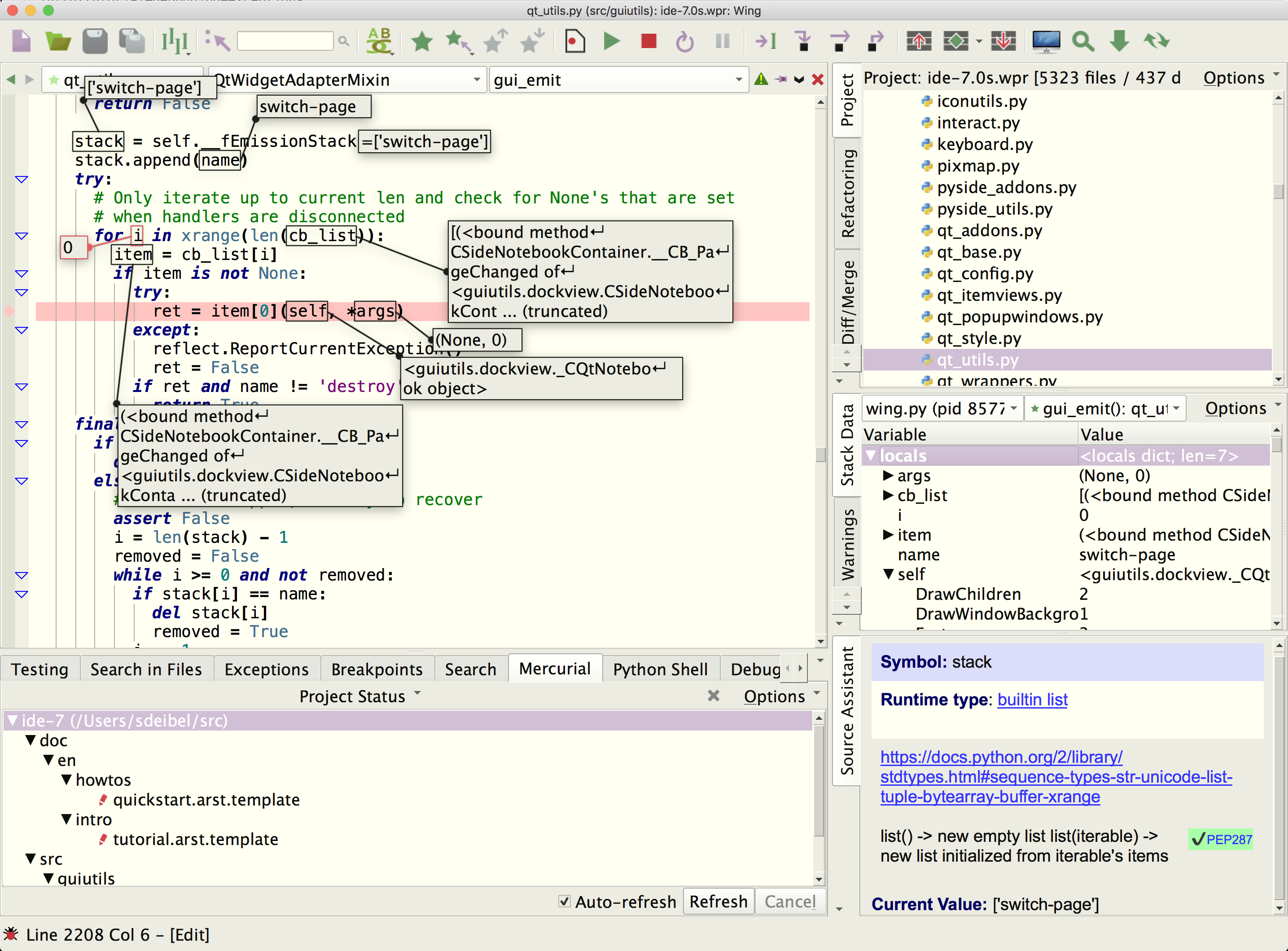
Wing Pro is a Python IDE that can be used to develop, test, and debug Python code written for the Plone content management system.
If you do not already have Wing Pro installed, download it now.
This document describes how to configure Wing for Plone. To get started using Wing as your Python IDE, please refer to the tutorial in Wing's Help menu or read the Quickstart Guide.
Note: This document is not being maintained and was last tested with Plone 4.
Introduction
These instructions are for the Plone 4+ unified installer. Wing no longer supports old style Zope Product name space merging so it cannot be used with older versions of Plone.
Configuring your Project
To create a new project, use New Project in Wing's Project menu. Select the project type Plone and under Python Executable select Custom and then enter the full path of the Python you plan to use with Plone. The full path can be found by looking at the top of many of the scripts in zinstance/bin or zeocluster/bin. You can also determine the correct value to use by executing the following commands interactively in Python. If you are using virtualenv, this will be the virtualenv's Python executable:
import sys
sys.executable
Press OK and then add the directory with your source code to the new project with Add Existing Directory in the Project menu.
Next find and open the file zinstance/bin/instance and select Set Current as Main Entry Point in Project menu. If you have a ZEO cluster, instead use zeocluster/bin/client1 or whatever name is given in the .cfg file. Wing reads the sys.path updates from that file so that it can find your Plone modules.
Debugging
If you have followed the instructions above, you should be able to start debug from the toolbar or Debug menu. The debugger will stop on breakpoints and any exceptions that are printed, and debug data can be viewed in the Stack Data tool, by hovering over values, and in Wing Pro by pressing Shift-Space or with the interactive Debug Console.
Related Documents
Wing provides many other options and tools. For more information:
- Plone home page, which provides links to documentation.
- Quickstart Guide contains additional basic information about getting started with Wing.
- Tutorial provides a gentler introduction to Wing's features.
- Wing Reference Manual documents Wing in detail.