Wing Pro Tutorial
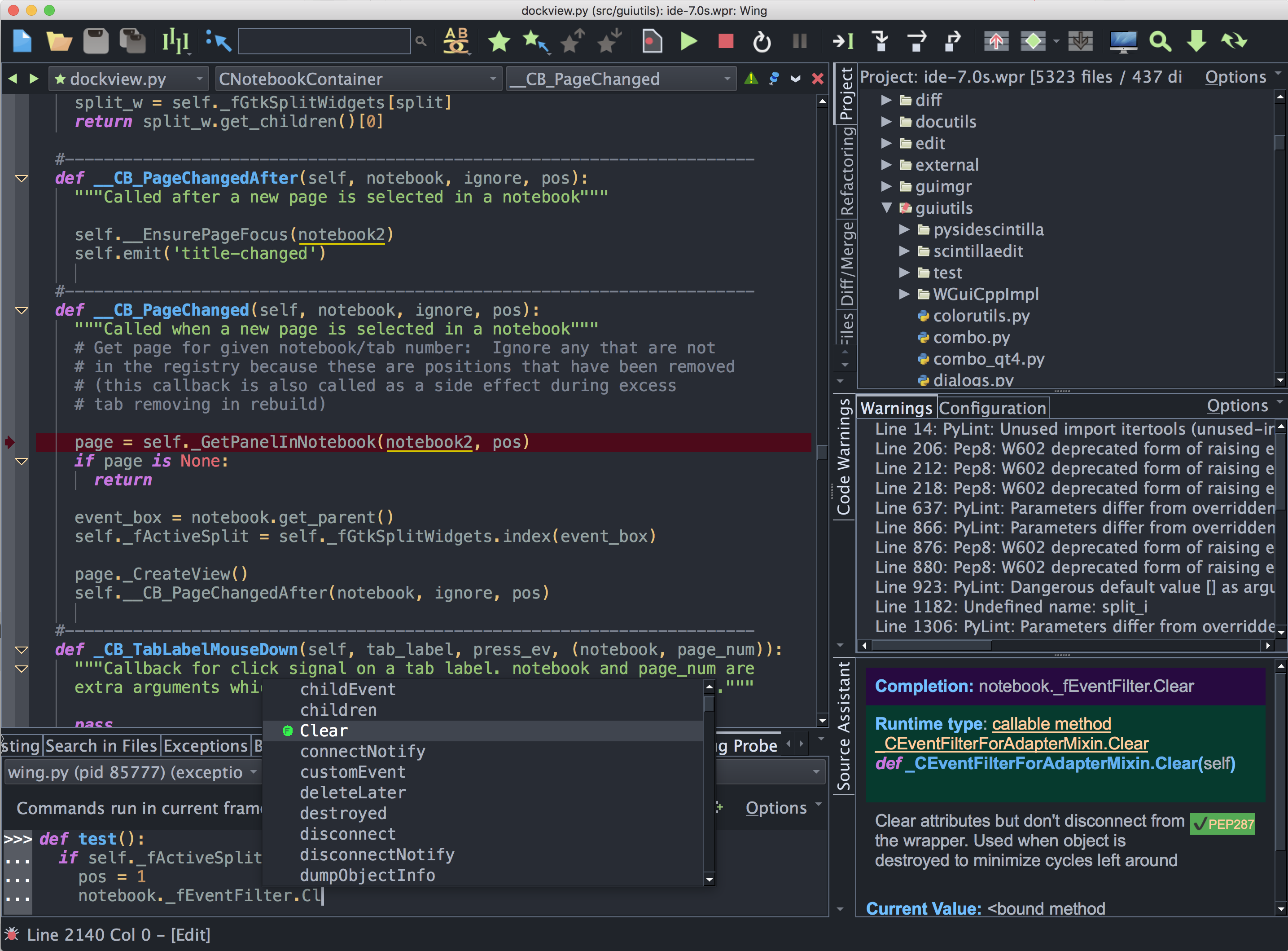
This tutorial introduces Wing Pro by taking you through its feature set with a small coding example. For a faster introduction, see the Quick Start Guide.
This copy of the tutorial is for Wing Pro. We strongly recommend using the Tutorial
in Wing's Help menu because it contains links into the IDE's functionality and it
omits features not available when running Wing Personal or Wing 101. Compare Products
If you are new to programming, you may want to check out the book Python Programming Fundamentals and accompanying screen casts, which use Wing 101 to teach programming with Python.
Our How-Tos show how to use Wing with 3rd party web development frameworks, GUI toolkits, scientific data visualization tools, Python-based modeling, rendering & compositing systems, and other Python frameworks and toolkits. A collection of Wing Tips, available on our website and by weekly email subscription, provides additional tips and tricks for using Wing productively.
Section Contents
1.
Tutorial: Why Wing?
2. Tutorial: Getting Started
3. Tutorial: Getting Around Wing
4. Tutorial: Check your Python Integration
5. Tutorial: Set Up a Project
6. Tutorial: Setting Python Path
7. Tutorial: Introduction to the Editor
8. Tutorial: Navigating Code
9. Tutorial: Debugging
9.0. Tutorial: Debug I/O
9.1. Tutorial: Debug Process Exception Reporting
9.2. Tutorial: Interactive Debugging
9.3. Tutorial: Execution Environment
9.4. Tutorial: Debugging from the Python Shell
9.5. Tutorial: Debugging Code Not Launched by the IDE
9.6. Tutorial: Other Debugger Features
10. Tutorial: Auto-Editing
11. Tutorial: Turbo Completion Mode
12. Tutorial: Code Warnings
13. Tutorial: Refactoring
14. Tutorial: Indentation Features
15. Tutorial: Other Editor Features
16. Tutorial: Unit Testing
17. Tutorial: Version Control Systems
18. Tutorial: Searching
18.0. Tutorial: Toolbar Search
18.1. Tutorial: Keyboard-Driven Search and Replace
18.2. Tutorial: Search Tool
18.3. Tutorial: Search in Files
19. Tutorial: Other IDE Features
20. Tutorial: Further Reading
2. Tutorial: Getting Started
3. Tutorial: Getting Around Wing
4. Tutorial: Check your Python Integration
5. Tutorial: Set Up a Project
6. Tutorial: Setting Python Path
7. Tutorial: Introduction to the Editor
8. Tutorial: Navigating Code
9. Tutorial: Debugging
9.0. Tutorial: Debug I/O
9.1. Tutorial: Debug Process Exception Reporting
9.2. Tutorial: Interactive Debugging
9.3. Tutorial: Execution Environment
9.4. Tutorial: Debugging from the Python Shell
9.5. Tutorial: Debugging Code Not Launched by the IDE
9.6. Tutorial: Other Debugger Features
10. Tutorial: Auto-Editing
11. Tutorial: Turbo Completion Mode
12. Tutorial: Code Warnings
13. Tutorial: Refactoring
14. Tutorial: Indentation Features
15. Tutorial: Other Editor Features
16. Tutorial: Unit Testing
17. Tutorial: Version Control Systems
18. Tutorial: Searching
18.0. Tutorial: Toolbar Search
18.1. Tutorial: Keyboard-Driven Search and Replace
18.2. Tutorial: Search Tool
18.3. Tutorial: Search in Files
19. Tutorial: Other IDE Features
20. Tutorial: Further Reading